
gwae
A scrolling terminal multiplexer.
Panes never shrink.
Run coding agents, shells, and TUIs side by side. Open more panes and the viewport scrolls instead of squeezing them. Inspired by niri's scrolling tiling.
curl -fsSL https://hongnoul.github.io/gwae/install.sh | bash
macOS · Linux · Windows · Try it in 30 seconds · Star on GitHub · Releases · MIT
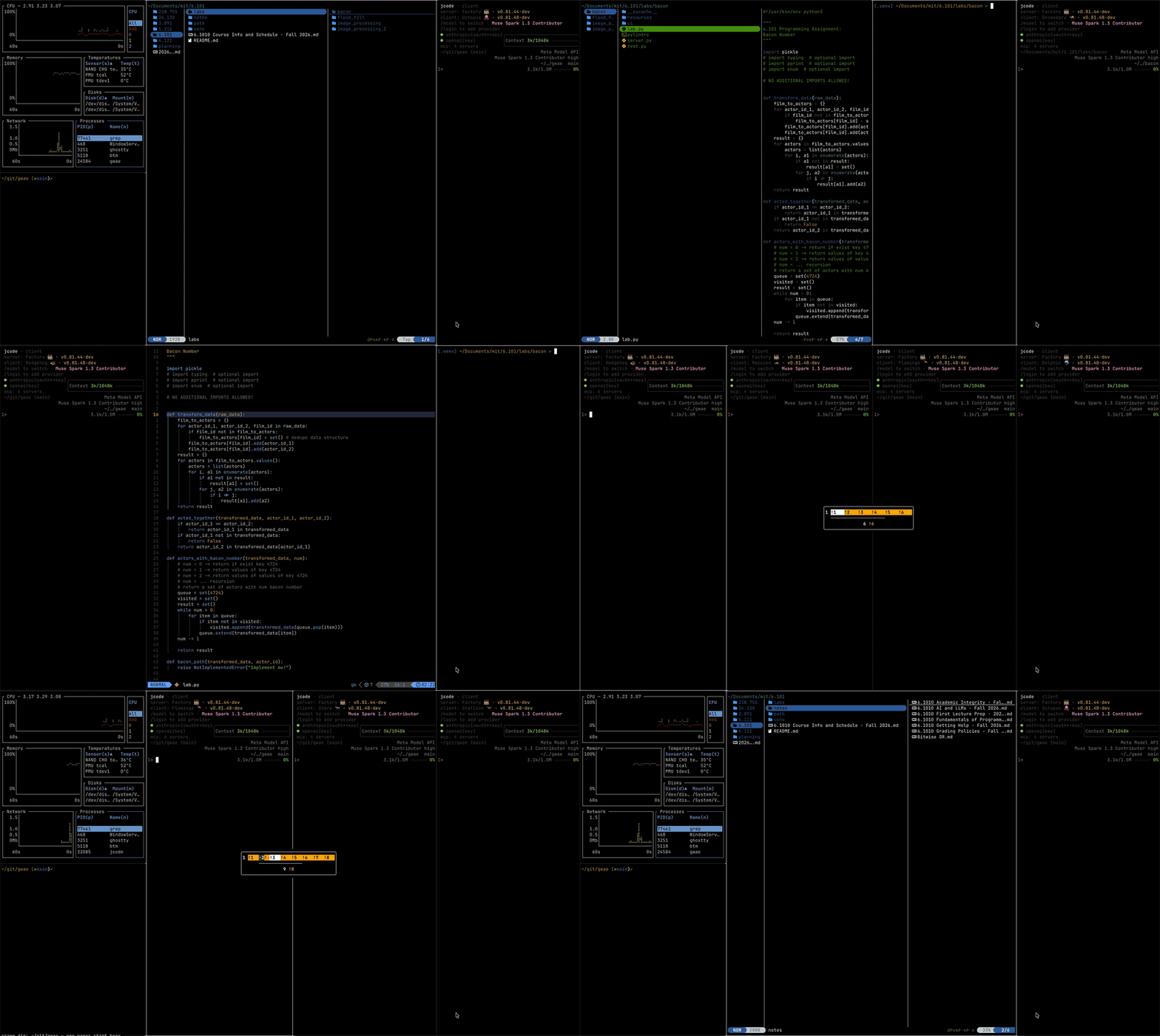
Add columns beyond the screen edge, then move between them without shrinking the panes.
Install
macOS and Linux, one line. The installer lands in ~/.local/bin, adds it to your shell PATH, and prints the one line that activates it in the current terminal:
curl -fsSL https://hongnoul.github.io/gwae/install.sh | bashWindows, in PowerShell:
irm https://hongnoul.github.io/gwae/install.ps1 | iexOn macOS, Homebrew also works:
brew install hongnoul/tap/gwaeUpgrade the same way you installed: re-run the installer, or brew upgrade gwae. gwae upgrade prints the exact command for your machine.
Try it in 30 seconds
After installing, run gwae. On first launch, dismiss the help overlay with Escape and finish the setup in the first pane. No agent account needed: skip the agent choice for a shell-only test.
- Press
⌥+Entera few times to add shell panes. Keep going past the screen edge: the viewport scrolls, the panes keep their width. - Use
⌥+h/⌥+lto move left / right. Press⌥+rto cycle the focused column's width. - Press
⌥+/for help. Typeexitin each shell when you're done.
If ⌥ types special characters instead of triggering shortcuts, set Option to act as Meta in your terminal's settings. gwae doctor checks gwae's configuration.
Bring your agents
Use an already-installed CLI agent, or run your usual shell tools:
gwae init             # theme and layout setup
gwae run "claude"     # start with Claude Code in the first pane
gwae run "codex"      # or Codex CLI
gwae doctor           # check config
New columns open to the right of focus. ⌥+; spawns your configured agent, or offers a picker of installed agents when none is configured.
Why not tmux?
Choose gwae when you want readable panes that scroll beyond the screen, rather than more splits in the same space. Keep tmux when you need detach/attach or processes that survive a disconnected terminal. gwae has no session daemon, and an agent's --resume restores its conversation, not its running process.
How it works
- Fixed width columns (
1/4default,⌥+rto cycle). Rows scroll past the edge, they do not squeeze. - Scroll snaps to column boundaries. No slivers.
- One process. No daemon, no socket. Agent persistence is
claude --resumeorjcode --resume. - macOS native: any macOS terminal, pbcopy clipboard, caffeinate keep-awake.
- Kitty graphics support is partial: pane-local direct RGB/RGBA placements and replies enable tdf's image and zoom path. Quiet Unicode-placeholder images are validated and remapped.
Agent status
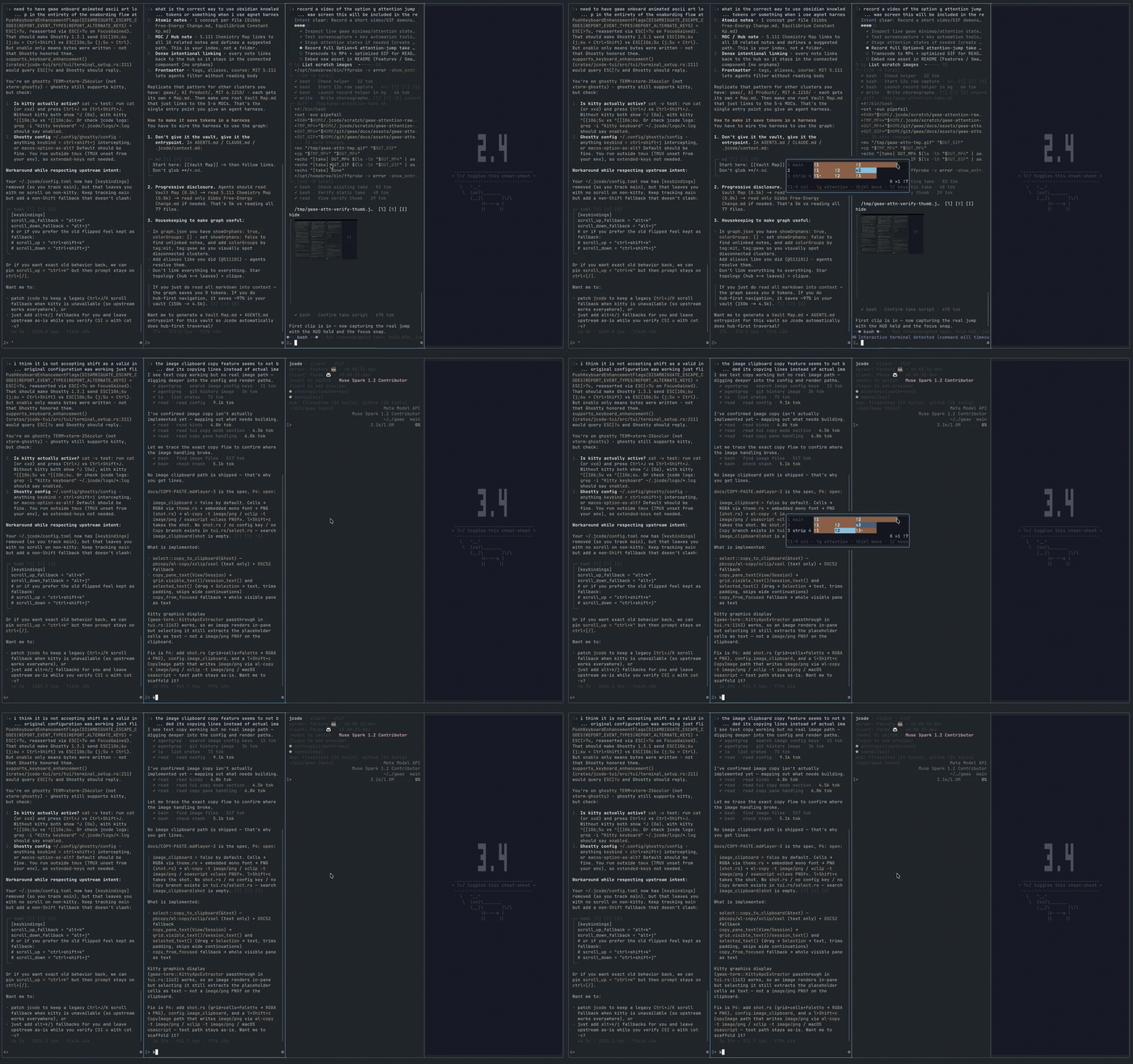
Reads standard OSC 133 markers when available. Otherwise, output activity and idle time provide a heuristic, not a guarantee that an agent needs input.
» working ! needs input ✓ done ✗ failedHold ⌥ for dashboard. ⌥+g jumps to the pane that needs you.
Keys
All chords use ⌥ (Option). Other keys go to the focused pane.
⌥+Enter        new column to right of focus
⌥+;            spawn agent
⌥+h/j/k/l      focus left/down/up/right
⌥+Shift+h/j/k/l move pane
⌥+g            jump to pane that needs attention
⌥+/            help
⌥+q            kill pane
click          focus pane
drag           select and copy
Full key reference: press ⌥+/ in gwae.
Config
~/.config/gwae/gwae.toml. All keys optional.
default_column_width = "quarter"
theme = "catppuccin-mocha"
default_agent = "claude"
startup_panes = 1